


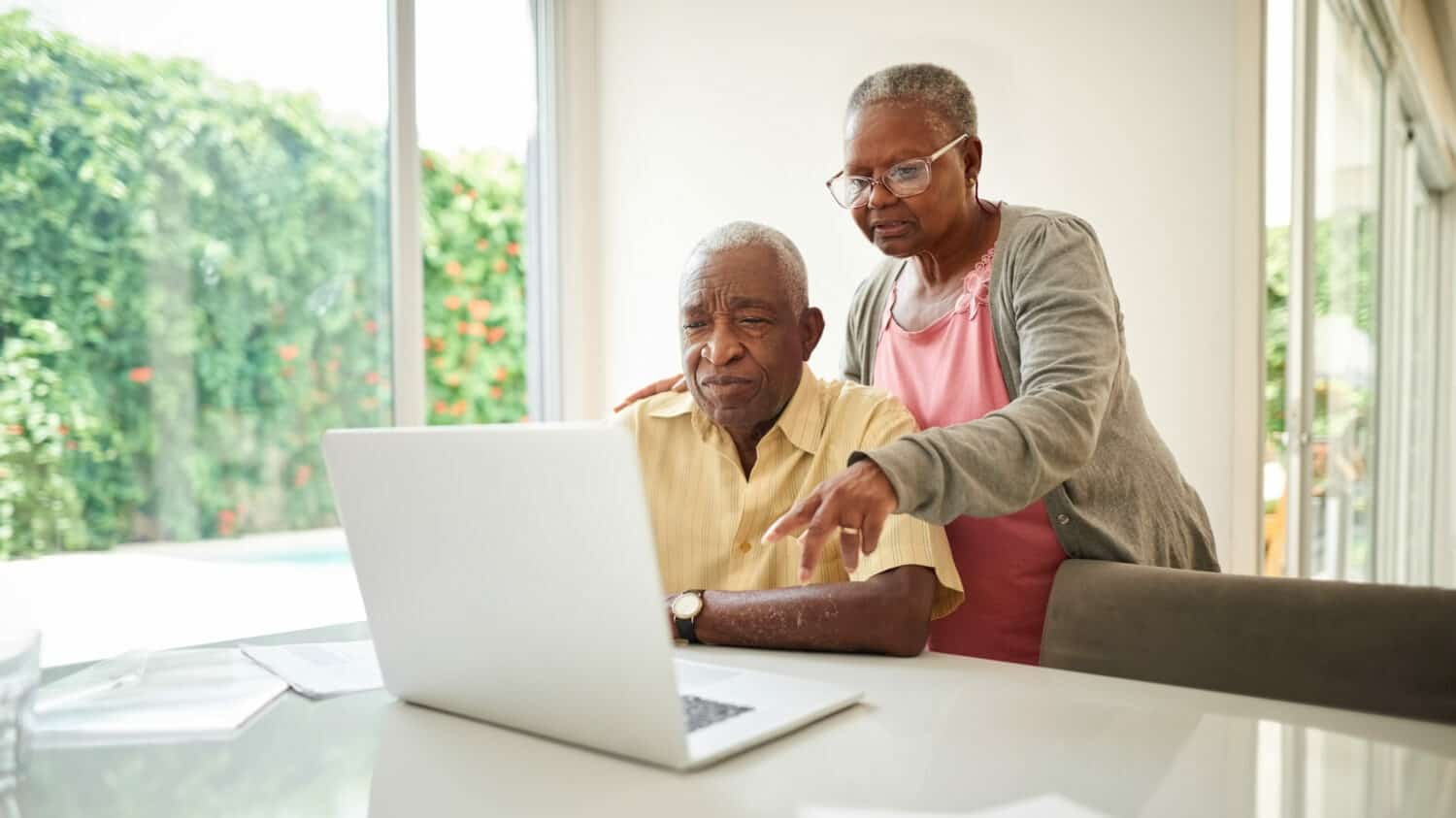
Computer Literacy Courses for Seniors
Are you interested in learning about computers and how to use them? Are you curious about what a computer can bring into your life? Computers entered our worlds a few decades ago and you may have learned some basics back then and didn’t keep up with the technology. Is it time to catch up with a computer literacy course?
We are far from the clunky, slow, complicated desktop computers with huge monitors of decades ago. Today, practically everyone owns a lightweight laptop or tablet that is easily transportable.
As computer technology got better over the years, so did its ease of use. Most computers today are very user friendly and you can be surfing the internet and learning some software in no time.
The Benefits of Learning How To Use a Computer
Why should you learn how to use a computer? There are many reasons why it’s a wise decision to learn to be tech-savvy. One of the main reasons seniors learn to use computers is to stay in contact with friends and family.
Many families are dispersed across the country and sometimes around the world. Having a computer means that you can video chat with the grandkids for free. A video chat is so much better than a simple phone call. Imagine seeing the smiling faces and bright eyes of your loved ones while they are several states and time-zones away.
Another reason seniors get computers is for entertainment. There’s an array of streaming movies and TV shows available to watch and also thousands of fun games to play on the internet. Or maybe you’ve always dreamed of writing your memoir? It would be so much easier with a word processor software, like Microsoft Word.
But how do you get started? Let’s take a look at a few online computer literacy courses that are geared towards beginners and seniors. Unless mentioned otherwise, most of these courses are free.
Helpful tip: You may want to ask for some help to get you started on your computer with the course of your choice. Ask a friend or a family member to set you up and show you some basics so you can start learning (grandkids are great at this).
Remember: There are two types of computers out there and each has its own operating system. Microsoft Windows and macOS. Make sure you take the courses that cover the information you need for the computer that you own (or will own).
Computer Literacy Courses for Seniors
Meganga
Meganga was created to offer online video courses designed for seniors and beginners. Their basic computer training course is perfect for you if you own an older computer with a Windows 7 operating system. The course covers everything from how to set up an email account to how to get started using Microsoft Word.
GCF Global
GCF Global has been around for 20 years offering free online lessons to help people gain access to new skills. Learn everything there is to know about the internet and all the browsers available in comprehensive lessons explaining how to download and use each one. Learn all about your Mac computer or your Microsoft Windows computer through the basic operating system lessons that they offer.
Senior’s Guide to Computers
Senior’s Guide to Computers is the place to go to learn the ins and outs of personal computers. Their tutorials are simplified using terms, examples, pictures, and videos in easy-to-understand English. Learn all about computer hardware and software, or learn how to back up your data.
You can also watch their video tutorials on YouTube here.
UDemy
UDemy is an online platform that offers courses on a variety of topics. It has the Basic Computer Skills for Senior Citizens course that is perfect if you are an absolute beginner. UDemy classes are typically not free but are very reasonably priced. For a small fee, you get video lessons and also gain access to asking questions to the instructor for a more personalized experience.
Home and Learn
At Home and Learn you have access to hundreds of tutorials and lessons aimed at beginners. The content is geared towards Microsoft users and you can have access to a comprehensive guide about your specific operating system, be it Windows XP or Windows 10.
Alison
Alison is another online platform specializing in computer literacy courses on a variety of topics. The lessons may be a little more advanced and also often offer certification. Most courses for beginners are free after you’ve created a profile on their website.
Free Online Training
This website offers a complete Basic Computer Skills course (for Windows users) divided into a series of lessons like how to create folders, how to install software, and how to add your favorites in web browsers.
YouTube
YouTube has been around for many years and has grown to become a place to go and learn just about anything. Individuals or small businesses create YouTube accounts called channels where they record videos offering their knowledge to help other people learn. A good place to start is with the Computer Education For all account that will explain in short videos the basics of operating systems among other useful info.
LinkedIn Learning
LinkedIn is a social media platform that specializes in career advancement and training. You may want to create a profile if you are still active in the workforce and also take a look at the variety of training courses that they offer for a monthly fee.
Tech Life Unity
Tech Life Unity (formerly TechBoomers) offers basic step-by-step courses geared towards adults. It covers topics like internet safety, social media platforms, emails, and how to use popular apps like Zoom. It also offers interesting and useful information like How to Troubleshoot Basic Computer Problems to Fix Your Computer.
Coursera
Coursera offers a range of computer literacy courses from top universities and companies. While some courses may require a fee, many are available for free or offer financial aid. These courses cover everything from basic computer skills to more advanced topics like cybersecurity and software development.
Digital Learn
Created by the Public Library Association, Digital Learn offers a series of free tutorials designed to help beginners with basic computer skills. The site is especially helpful for seniors who are starting from scratch or need a refresher on using the internet.
Overcoming Common Challenges in Learning Computer Skills
Learning new technology can be intimidating, especially if you haven’t kept up with the rapid changes over the years. However, many seniors find that with patience and the right resources, they can overcome these challenges.
Fear of Making Mistakes
It’s natural to worry about breaking something or making a mistake. Remember that computers are more resilient than you might think. Most errors can be easily undone, and with practice, you’ll gain confidence.
Physical Barriers
If you have arthritis or vision issues, consider using adaptive devices such as larger keyboards, screen magnifiers, or voice-activated controls. Many courses also offer accessibility options tailored for seniors.
Learning at Your Own Pace
Everyone learns at different speeds. The beauty of online courses is that you can pause, rewind, and revisit lessons as often as you need. Don’t rush—take your time to absorb the information.
How to Stay Safe Online
One of the most crucial aspects of learning about computers is understanding how to stay safe online. Seniors, like all internet users, need to be aware of potential risks such as scams, phishing, and identity theft.
Use Strong Passwords
Create complex passwords for your accounts and change them regularly. Avoid using easily guessable information like birthdays or common words.
Beware of Scams
Be cautious of emails or messages from unknown senders asking for personal information or money. Always verify the source before responding.
Keep Software Updated
Regularly update your computer’s operating system and any installed programs to protect against security vulnerabilities.
Don’t let yourself be intimidated by computers and technology. It’s completely normal to feel overwhelmed and maybe even frustrated at first but with time and practice, you will learn how to be comfortable using a computer or a tablet.
Read more: Technology and the Older Person.
Let’s Have a Conversation:
Have you taken a computer literacy course? Are you interested in learning more about computers and how to use them? Tell us about it in the comments below.



These all look fairly basic (please correct me if I’m wrong). Are there any offerings for people who are fairly tech-savvy and want to update their skills?
Thank you